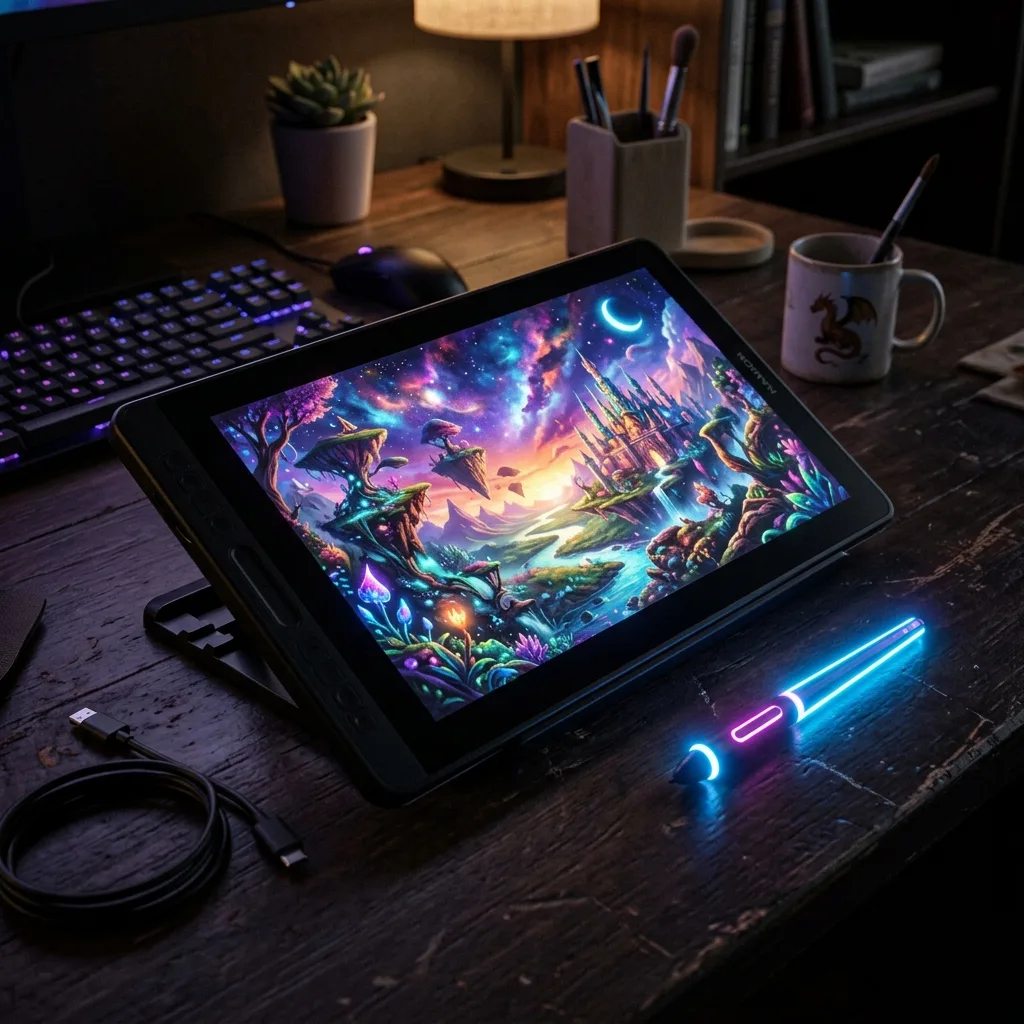
We all know the story. You see an incredibly realistic, mind-blowing AI image on X (formerly Twitter) or Instagram. You ask what tool they used. The answer is always: Midjourney.
In This Article
- 1. Bing Image Creator (Powered by DALL-E 3)
- 2. Leonardo.Ai
- 3. Stable Diffusion Web (via Clipdrop or Mage.space)
- 4. Adobe Firefly (Free Tier)
- The Bottom Line: Which One Should You Pick?
So, you run to Discord, ready to create your own masterpieces, only to hit a massive paywall. Since Midjourney ended its free trials, a lot of us have been left looking for alternatives.
Over the last three months, my team and I have tested over 20 different free AI image generators. Most of them were terrible—producing images with 7 fingers, distorted faces, or heavy watermarks. But a few actually surprised us.
If you want Midjourney-level quality without the $10-$30 monthly subscription, here are the 4 best free alternatives you should be using right now in 2026.
1. Bing Image Creator (Powered by DALL-E 3)
The Verdict: The absolute best all-rounder, especially if you want text in your images.
If there's one tool that truly rivals Midjourney for the average user, it’s Microsoft’s Bing Image Creator. Because it runs on OpenAI’s latest DALL-E 3 model, it understands complex prompts significantly better than Midjourney.
Why I love it:
- It can spell: Midjourney still struggles to put coherent text on a sign or a t-shirt. Bing nails it 90% of the time.
- Prompt adherence: If you ask for a red cat wearing a tiny blue top hat sitting on a yellow chair, you get exactly that. Midjourney often ignores smaller details to focus on "aesthetics."
- It’s completely free: You get "boosts" that regenerate daily. Even when you run out of boosts, you can still generate images; it just takes a bit longer.
2. Leonardo.Ai
The Verdict: The best for power users who want maximum control over their art.
Leonardo.Ai is probably the closest thing to the "Midjourney Experience" available for free. It has a beautiful web interface (no Discord required!), and it is incredibly powerful.
What makes it special:
- Fine-tuned models: Instead of one general model, Leonardo gives you dozens. Want photorealism? Use their Absolute Reality model. Want anime? Use their Anime Pastel model.
- Image Guidance: You can upload your own sketches or photos and have the AI use them as a base.
- The Free Plan: They give you 150 daily tokens. Depending on the settings, that's enough for 20-30 high-quality images every single day.
Personal note: I use Leonardo mostly for creating blog post thumbnails and website assets because of the consistent art styles.
3. Stable Diffusion Web (via Clipdrop or Mage.space)
The Verdict: Best for uncensored, open-source creativity.
Stable Diffusion is an open-source model. If you have a powerful gaming PC, you can run it locally for free forever. But if you're like me and working from a standard laptop, you need a web host.
Sites like Clipdrop (by Stability AI) or Mage.space let you use the latest Stable Diffusion XL (SDXL) models for free.
Why you should try it:
- Photorealism: SDXL is currently the king of generating realistic human faces and photographic textures.
- Fewer restrictions: Because it's open-source, it generally has fewer "guardrails" than DALL-E or Midjourney (though hosted sites do apply their own NSFW filters).
4. Adobe Firefly (Free Tier)
The Verdict: Best for commercial use and graphic designers.
When Adobe entered the AI race, they did something different: they trained their model exclusively on Adobe Stock and public domain images. This means Adobe Firefly is "commercially safe"—you won't get sued for using these images in your business.
Standout Features:
- Generative Fill: It’s not just about creating images from scratch. Firefly is amazing at expanding existing images or removing/adding objects to photos.
- Text Effects: You can generate incredibly cool 3D typography made out of anything (e.g., the letter A made of melting chocolate).
- Free Credits: You get 25 generative credits per month with a free Adobe account.
The Bottom Line: Which One Should You Pick?
Here is my honest recommendation after using all of them:
- If you want beautiful, stylized art with lots of control, use Leonardo.Ai.
- If you need text in your images or highly accurate prompt following, use Bing Image Creator.
- If you want hyper-realistic photos, use a free Stable Diffusion host.
- If you are a business owner worried about copyright, use Adobe Firefly.
You really don't need to pay for Midjourney unless you are a professional AI artist or running an agency. These four free tools are more than capable of handling 99% of your creative needs.
Have you tried any of these? Let me know which one gave you the best results in the comments below!
? Frequently Asked Questions
Related Articles
How to Make Money with AI Art: 5 Proven Methods
May 4, 2026
NVIDIA Hits $81.6 Billion Revenue: The Company That Became the Backbone of AI
May 27, 2026

Founder of AI Profit Hub. I explore AI tools, test them hands-on, and break down complex technology into practical, actionable guides. My goal is to help you work smarter using the best AI has to offer.
Primary sources and review basis
Product facts and availability were checked against the sources below on July 29, 2026. Provider benchmarks and product claims are attributed to their publishers and are not presented as independent AI Profit Hub test results.