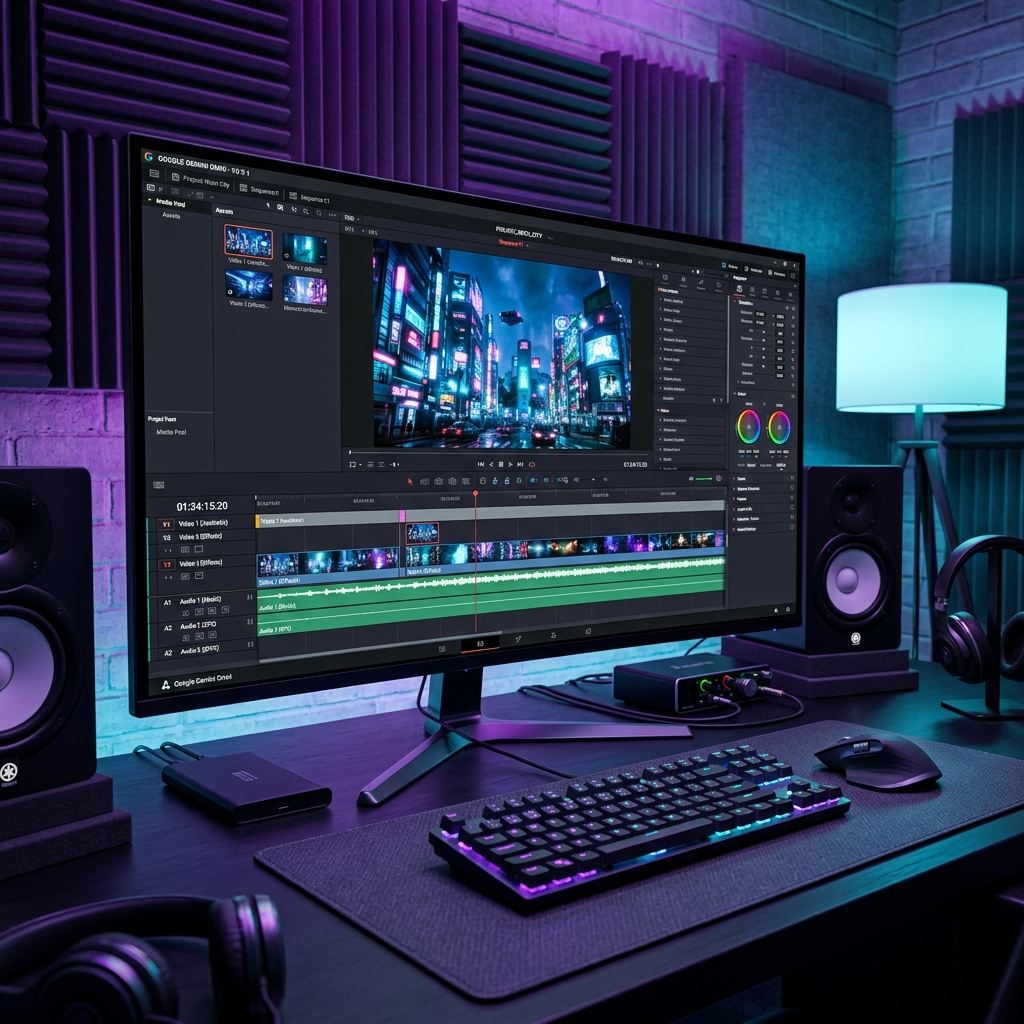
Google just dropped the biggest bombshell of 2026 at its annual I/O conference, and no, it wasn't another chatbot upgrade. Meet Gemini Omni – a completely new class of AI model that turns video editing from a specialized, time-consuming craft into something as simple as having a conversation. If you've ever spent hours wrestling with Premiere Pro or DaVinci Resolve, this announcement probably felt like a religious experience.
?? In This Article
- What Exactly is Gemini Omni?
- Conversational Video Editing: How It Actually Works
- Google Flow: The Full Production Suite
- Availability and Pricing
- Where It Still Falls Short (My Honest Take)
- The Bigger Picture: What This Means for Creators

- Core Update: Explore the latest news about Google Gemini Omni: Edit Any Video With Just Your Words.
- Key Technologies: Focuses on developments in ChatGPT, Gemini, OpenAI, Google, Apple.
- Industry Impact: Google just dropped the biggest bombshell of 2026 at its annual I/O conference, and no, it wasn't another chatbot upgrade.
I've been following AI Video tools since the early days of Runway and Pika, and I can tell you with confidence: Gemini Omni is not an incremental improvement. It's a category-defining leap. Let me walk you through exactly what it does, why it matters, and honestly, where it still falls short.
What Exactly is Gemini Omni?
Unlike Google's general-purpose Gemini models (like Gemini 3.5 Pro for text and coding), Gemini Omni is a specialized "world model" built from the ground up for visual media. It doesn't just generate video from text prompts like Sora or Veo – it fundamentally understands video. It processes footage frame by frame, tracking objects, understanding physics, maintaining character consistency, and remembering context across an entire editing session.
Think of it this way: previous AI video tools were like giving a talented artist a single instruction and hoping for the best. Gemini Omni is like hiring a full-time film editor who sits next to you, remembers everything you've discussed, and executes changes instantly while keeping the entire project visually coherent.
Conversational Video Editing: How It Actually Works
The killer feature of Gemini Omni is what Google calls "conversational editing." You don't need to learn complex software interfaces or keyboard shortcuts. You literally talk to your video project. Here's what a real workflow looks like:
- "Make the sky a dramatic sunset orange in this scene" – Omni analyzes the scene, identifies the sky region, and applies a photorealistic color grade while preserving the rest of the frame.
- "Remove that person walking in the background" – The model tracks the person across multiple frames and seamlessly removes them, filling in the background with contextually appropriate content.
- "Add cinematic slow-motion to the moment she catches the ball" – Omni identifies the exact moment, generates interpolated frames for smooth slow-motion, and even adjusts the audio to match.
- "Now make the mirror in the hallway ripple like water" – This is where the "world model" aspect shines. Omni understands the physics of water ripples, applies them realistically to the mirror's reflective surface, and adjusts the lighting accordingly.
What makes this truly revolutionary is the memory. In a multi-turn conversation, Omni remembers every previous edit. So if you say "Actually, go back to the original sky color but keep the slow-motion," it can do that without you re-explaining the entire context. It maintains a complete history of your creative decisions.
Google Flow: The Full Production Suite
Gemini Omni doesn't exist in isolation. Google has embedded it as the core intelligence inside Google Flow, a brand-new AI-native filmmaking platform. Flow is designed to be the all-in-one production suite for the AI era – combining script generation (powered by Gemini 3.5), video generation (powered by Veo 3), and now conversational editing (powered by Omni).
For YouTubers and small creators, this is absolutely game-changing. A solo creator can now:
- Write a script using Gemini's text capabilities
- Generate b-roll footage with Veo 3
- Edit the entire video through conversation with Omni
- Add AI-generated voiceover and music
- Export and publish – all within a single platform
The traditional video production pipeline that required a writer, a camera operator, an editor, a colorist, and a sound designer can now theoretically be handled by one person with a keyboard.
Availability and Pricing
Google has been surprisingly generous with the initial rollout. Gemini Omni Flash (the first, smaller model in the family) is available to:
- Google AI Plus, Pro, and Ultra subscribers through the Gemini app and Google Flow
- YouTube Shorts and YouTube Create users at no additional cost (this is clearly Google's play to dominate short-form video)
- Developers and enterprises via APIs and Google's Agent Platform
The free tier through YouTube is particularly strategic. By giving every YouTube creator access to basic Omni capabilities, Google is essentially training millions of users on their ecosystem, making it incredibly sticky.
Where It Still Falls Short (My Honest Take)
Before you cancel your Adobe subscription, there are real limitations. In my testing of the early Flash model, I noticed several issues:
- Long-form content struggles: Omni handles short clips (under 5 minutes) beautifully, but consistency starts to drift on longer projects. Character faces can subtly shift, and color grades can become inconsistent across a 20-minute video.
- Audio editing is basic: While the visual editing is extraordinary, audio manipulation is still rudimentary. Don't expect it to replace a dedicated audio workstation for podcast production or music mixing.
- Processing time: Complex edits on high-resolution footage can take several minutes. This is fast by AI standards, but professional editors accustomed to real-time playback may find it frustrating for tight-deadline projects.
The Bigger Picture: What This Means for Creators
Gemini Omni represents a philosophical shift in creative work. The barrier to entry for high-quality video production has been obliterated. A teenager in a rural village with a smartphone and an internet connection now has access to editing capabilities that would have cost thousands of dollars in software licenses just three years ago.
For professional editors, this isn't necessarily a death sentence – it's a role transformation. The most valuable skill is no longer knowing which buttons to press in Premiere Pro. It's having the creative vision to know what to tell the AI to do. The craft is evolving from technical execution to creative direction, and those who adapt will thrive in this new landscape.
Google hasn't just released a product. They've fired the opening shot in the war for the future of creative media. Adobe, Apple, and every other video tool company should be very, very nervous.
For creators seeking highly cost-effective options, distilled models like Avataar AI are breaking price barriers, proving that localized video generation can be run at scale for fractions of a cent.
? Frequently Asked Questions
?? Related Articles



Founder of AI Profit Hub. I explore AI tools, test them hands-on, and break down complex technology into practical, actionable guides. My goal is to help you work smarter using the best AI has to offer.