Google NotebookLM Ultimate Guide: How to Generate AI Podcasts and Organize Your Research
The Ultimate Research Assistant
Google's NotebookLM has quietly become one of the most powerful productivity tools for students, researchers, and professional knowledge workers. Unlike general-purpose AI chat assistants, NotebookLM works by grounding its intelligence strictly in the sources you provide, eliminating hallucinations and ensuring that every response is cited back to your documents. Powering the system is Google's advanced Gemini architecture, leveraging a massive context window to synthesize and map information across diverse documents simultaneously.
Get started with the tool directly at Google NotebookLM. By creating a closed-loop environment where the AI can only reference your approved uploads, Google has solved one of the most persistent bottlenecks of modern language models: the lack of verifiable evidence. Every query returns clear inline citations that link back to the exact passage in the source document, letting you check the source text in a single click.
How NotebookLM Works: The Grounded RAG Architecture
At its core, NotebookLM is an advanced implementation of Retrieval-Augmented Generation (RAG). When you create a virtual "Notebook," you are setting up a private, secure database. Once you upload documents, the system processes the text, converts it into mathematical vectors, and indexes it. When you submit a question, the model retrieves the most semantically relevant paragraphs from your sources, feeds them into the prompt window alongside your query, and generates an answer grounded strictly in that content.
Within each notebook, you can upload up to 50 sources, with each source containing up to 500,000 words. The system supports a wide range of source types, including:
- PDF and Text Files: Scientific papers, book chapters, transcripts, and manuals.
- Google Docs and Slides: Direct integration with Google Drive allows you to sync your active working documents.
- Web URLs: Paste link addresses to crawl, scrape, and index articles or documentation pages.
- YouTube Videos: Provide a public YouTube link, and NotebookLM will automatically import and analyze the video's transcript.
Unlocking Advanced Features: Studio Guides and Notes
NotebookLM is much more than a simple document search tool. It provides a suite of advanced features designed to accelerate knowledge synthesis:
- Briefing Documents: Automatically compiles key themes, executive summaries, and action points across all uploaded files into a cohesive briefing.
- Interactive Study Guides: Generates mock tests, essays, flashcards, and conceptual deep-dives based on your study materials.
- Entity Timelines: For history or project management, the system automatically builds chronological timelines of events mentioned across various sources.
- Shared Notebooks: Collaboratively share your notebooks with colleagues or classmates. You can grant view-only access or edit permissions, allowing teams to build joint knowledge hubs.
Generating AI Podcasts: Custom Audio Overviews
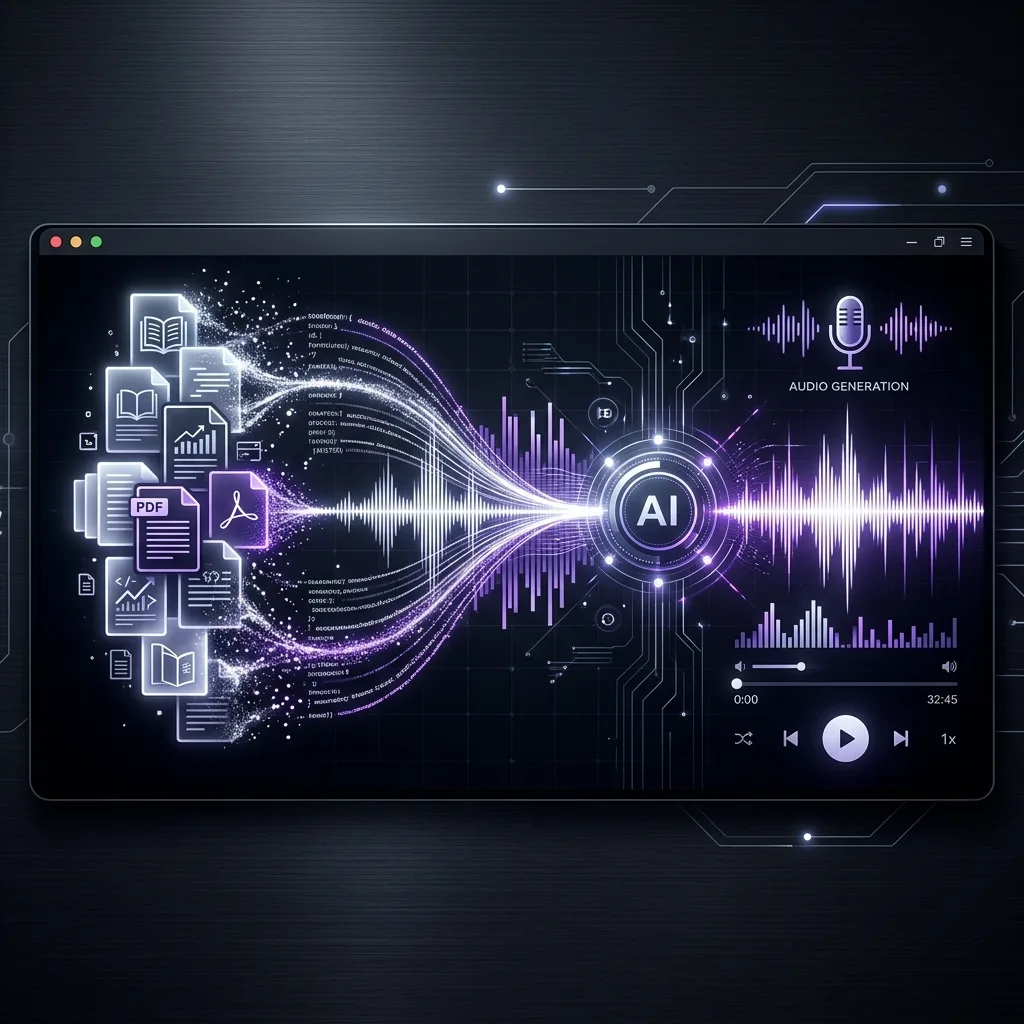
The most popular feature of NotebookLM is Audio Overviews. With a single click, the tool generates a highly realistic, conversational audio discussion based on your uploaded sources. Two AI co-hosts (a male and a female voice) speak naturally, banter, summarize key points, and explain complex concepts in plain English. This feature makes it incredibly easy to upload massive research papers, textbooks, or corporate earnings reports and listen to them as an engaging podcast during your commute.
In mid-2026, Google introduced Custom Podcast Controls. Instead of accepting the default overview, users can now provide instructions to the hosts. You can direct the co-hosts to:
- Focus on a specific theme or sub-chapter within your sources.
- Adjust the target audience (e.g., "Explain this as if I am a graduate student" vs. "Summarize this for an investor pitch").
- Change the language style or focus heavily on data and figures rather than high-level concepts.
Comparison: NotebookLM vs. Traditional AI Tools
How does NotebookLM compare to other AI research workflows? Let's analyze the differences:
| Capability / Feature | Google NotebookLM | Custom GPTs (OpenAI) | Perplexity Pages | Local Obsidian RAG |
|---|---|---|---|---|
| Data Grounding | Strictly constrained to uploaded sources. No external hallucination. | Relies on files but often falls back to general training data. | Searches the live web and summarizes online articles. | Runs locally on your computer using open-weights models. |
| Max Source Volume | 50 sources (25 million words total per notebook). | Up to 20 files (with strict size limits). | Varies; limited to search engine query depth. | Unlimited (constrained by local hard drive space). |
| Citation Precision | Excellent: Provides direct click links to exact document segments. | Moderate: Mentions file names but rarely precise paragraphs. | High: Links to source URLs. | Varies depending on local RAG script setup. |
| Audio Summarization | Yes: Native, fully natural two-host conversational podcast. | No: Basic text-to-speech reading only. | No native audio summaries. | No native audio summaries. |
| Data Privacy | Enterprise Grade: Uploaded documents are not used to train public LLMs. | Dependent on user settings; default settings may opt-in to training. | May use queries to optimize search index models. | Absolute: 100% private and run offline. |
Real-World Research Scenarios
Scenario 1: Academic Literature Review
A PhD candidate is writing a literature review on "microplastic accumulation in urban rivers." They have gathered 40 research papers in PDF format. Instead of reading them linearly over weeks, they upload all 40 PDFs into a NotebookLM notebook.
They ask NotebookLM: "Generate a comparative summary of the methodologies used in these papers." The AI immediately compiles a detailed breakdown, citing which papers used mass spectrometry vs. visual micro-spectroscopy. Next, they query, "Are there any directly contradictory findings regarding microplastic toxicity in fish?" The tool highlights two papers that disagree on threshold levels, citing page numbers for both. This reduces the prep time for writing the review paper by 80%.
Scenario 2: Corporate Product Training
A software-as-a-service (SaaS) company is launching a major enterprise update. The training department has 12 files, including API manuals, user guides, slide presentations, and QA logs. They upload these files to NotebookLM to train their support agents.
Support reps use the chat interface as a real-time assistant during live client calls to retrieve obscure API specs instantly with grounded accuracy. Simultaneously, the training team generates a 10-minute Audio Overview. New hires listen to this podcast on their phone, getting a natural, highly engaging summary of the API update, complete with real-world explanations of why the updates matter.
Tips for Optimal NotebookLM Workflows
To get the most out of NotebookLM, keep these best practices in mind:
- Clean Your Sources: Ensure your PDFs have clear, readable text (OCR-processed) so the AI can index the contents accurately.
- Use Multiple File Formats: Mix web links, PDFs, and personal Google Docs in a single notebook to provide a well-rounded set of sources.
- Structure Your Queries: Ask specific questions like "What are the three main arguments against the thesis in chapter 4?" to get detailed, cited answers.
- Utilize Saved Notes: Save helpful answers to the built-in scratchpad. Once saved, you can select multiple notes and ask the AI to "Combine into a new study guide."
NotebookLM is Google's most underrated productivity tool. It solves the biggest issue with modern LLMs: hallucination. By grounding the model's responses strictly in the documents you upload, it acts as a reliable, secure research partner. The Audio Overviews feature is not just a gimmick; it is an incredibly effective way to digest thousands of pages of text while on the go. If you are a student, researcher, or knowledge worker, this tool should be at the center of your daily workflow. Start treating your notebooks as personal research external brains.
? Frequently Asked Questions

Hussein | AI Profit Hub
Daily AI news, tool reviews, and practical guides. Follow AI Profit Hub for everything happening in artificial intelligence.